
The Reolink Home Hub Pro makes the most sense if you want a Reolink camera system that records locally, can grow beyond a few cameras, and does not depend on a cloud subscription for basic storage. Before buying, check three things first: whether your cameras are supported, whether you need continuous recording, and whether your setup is mostly Wi-Fi, mixed, or heavily wired.
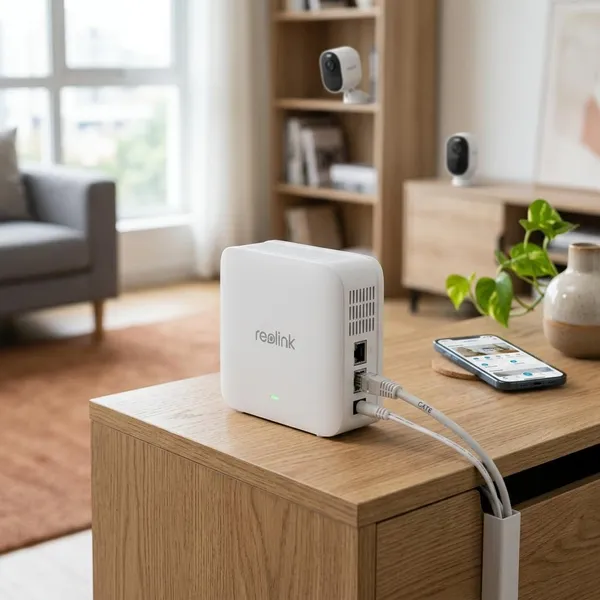
Reolink Home Hub Pro at a glance
Think of the Home Hub Pro as a middle option between a small camera hub and a traditional Reolink NVR. It is more capable than the standard Home Hub because it includes a hard drive, supports more cameras, and has HDMI output, but it is still aimed at people who want an approachable home setup rather than a full recorder cabinet.
- Choose the Home Hub Pro if you use several Reolink cameras and want central local storage.
- Consider the standard Home Hub if you only have a small system and do not need much storage.
- Compare with a Reolink NVR if most of your cameras will be wired PoE models.
Supports up to 24 cameras
Support for up to 24 compatible cameras gives the Pro model useful headroom. A two-camera setup can stay small for years, but many homes grow quickly once you add a driveway camera, a doorbell, a side gate, a garage, and one or two indoor cameras for pets or common areas.
Includes a 2TB hard drive
The included 2TB hard drive is one of the practical reasons to buy the Pro instead of starting with a smaller hub. You can begin recording without immediately shopping for extra storage, and the hub gives your cameras one shared storage location instead of relying on separate microSD cards.
Expands to 16TB
Expansion up to 16TB is mainly useful if you want longer retention, higher-resolution recordings, or continuous recording from several cameras. More storage does not automatically make the system better, but it gives you more time before older footage is overwritten.
Supports Wi-Fi 6 and wired cameras
The Home Hub Pro is well suited to mixed camera setups. You might use wired cameras outside where reliability matters, then use plug-in Wi-Fi cameras indoors where running Ethernet would be annoying or unnecessary.
Wi-Fi 6 support is useful if your router and cameras can take advantage of it, but it is not a magic fix for poor placement. If a camera location already has weak Wi-Fi, plan on improving the network or using a wired connection instead of expecting the hub to solve the signal problem by itself.
Includes HDMI and USB ports
HDMI makes the Pro feel more like a small security station because you can connect it to a monitor or TV for local viewing. That is handy in a home office, shop counter, utility room, or any place where you want camera access without picking up your phone.
USB is more about saving footage when it matters. If there is a delivery dispute, vehicle scrape, or trespassing event, exporting a clip to external storage is usually cleaner than trying to preserve it through screenshots or screen recordings.
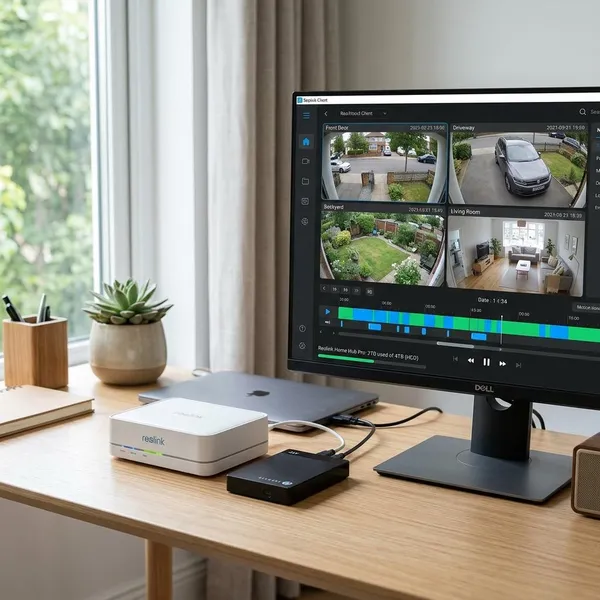
Storage and recording
Storage and recording are where the Home Hub Pro earns most of its value. The key decision is not just "how much storage do I get?" but how you want the system to behave after it is installed.
For most homes, start with motion recording and only use continuous recording where the full timeline really matters. A front door, side gate, or package area may be fine with motion events. A driveway, shared access road, or street-facing camera may benefit from continuous recording because the moments before and after motion can be important.
Local storage with no monthly fee
The Home Hub Pro does not require a monthly subscription for local recording. That makes it attractive if you dislike cloud fees or if you have several cameras and do not want the total cost to rise every time you add one.
The trade-off is that you are responsible for the hardware and storage planning. Local storage is cheaper over time for many households, but you still need to check that recordings are actually being saved and that old footage is not being overwritten sooner than expected.
Motion and continuous recording options
Motion recording is the sensible default for everyday areas because it saves space and keeps playback easier to review. Continuous recording is better for areas where missing context would be a problem, such as a driveway, parking spot, gate, or business entrance.
- Use motion recording for alerts, packages, visitors, and low-traffic indoor spaces.
- Use continuous recording where a full timeline is more important than saving storage.
- Test playback after setup because camera model and schedule settings can affect what is actually recorded.
AES-128 recording encryption
AES-128 recording encryption adds a useful protection layer for stored footage. That matters because security video can show routines, faces, vehicles, and home activity that you would not want exposed casually.
Do not treat encryption as the whole security plan. Use a strong Reolink account password, keep firmware updated, and avoid sharing access more widely than needed. The encryption helps, but weak account habits can still create risk.
Local access without the internet
The Home Hub Pro can keep local functions available on your home network without an active internet connection after setup. That is useful during an ISP outage because local recording and in-home viewing are the features you are most likely to care about at that moment.
Remote viewing is different. If you are away from home, you should expect remote access and notifications to depend on internet availability.
USB backup for saved footage
USB backup is the feature you will appreciate when a clip becomes important. Save the footage to external storage before it is overwritten, especially after incidents involving deliveries, cars, gates, or unknown visitors.
Camera compatibility
Compatibility is the check that should happen before price, storage, or camera count. The Home Hub Pro is built mainly for supported Reolink cameras, not as a universal recorder for every brand you already own.
Reolink PoE cameras
Supported Reolink PoE cameras can work with the Home Hub Pro, which is useful if you want the reliability of wired cameras and central local storage. PoE is often the better choice for outdoor spots where Wi-Fi is weak or where you want fewer connection issues.
The important distinction is that the Home Hub Pro is not the same as a dedicated PoE NVR with built-in camera ports. If your plan is twelve outdoor wired cameras from day one, compare the cabling, switch needs, and recorder options before choosing the hub.
Reolink plug-in Wi-Fi cameras
Plug-in Wi-Fi cameras are often the easiest match for the Home Hub Pro. They avoid Ethernet cable runs but still have steady power, which makes them more suitable for regular recording than many battery models.
This setup fits everyday homes well: a plug-in camera in the garage, one in a covered porch, and another in a living area for pets or entry monitoring. You get a simpler install while keeping footage organized on the hub.
Supported battery Wi-Fi cameras
Supported battery Wi-Fi cameras are best for flexible placement, not for treating every location like a full-time recording point. They can make sense for a shed, fence, gate, or temporary monitoring spot where power is difficult.
Up to 12 wired cameras
The Home Hub Pro can support up to 12 wired cameras in a suitable network setup. For a mixed home system, that is plenty; for a mostly wired installation, it is the point where you should start comparing the Pro with a Reolink NVR.
- Mixed Wi-Fi and wired home: the Home Hub Pro is usually a practical fit.
- Small all-wired setup: it may still work, depending on your network hardware.
- Larger PoE-first system: an NVR may be cleaner and easier to plan.
No support for most third-party cameras
The Home Hub Pro is generally not the right answer if your main goal is to combine cameras from several brands. It is strongest when the system is mostly or entirely Reolink.
If you already own third-party cameras, do not buy the hub hoping they will all slot neatly into one app and recording system. Check model-level support first, or choose a more open recorder platform if mixed-brand flexibility matters more than Reolink integration.
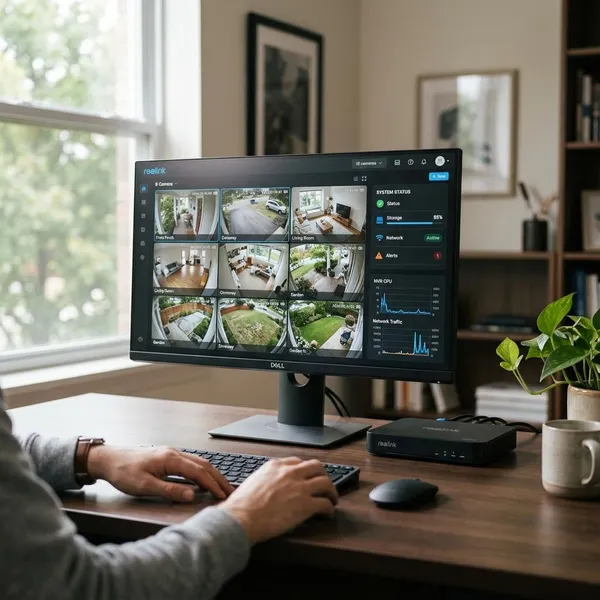
Conclusion
The Reolink Home Hub Pro is a good buy for a Reolink-based home where local storage, expansion room, and no required subscription matter more than broad third-party compatibility. I would choose it for a growing mixed setup with Wi-Fi and some wired cameras, skip it for a tiny two-camera system, and look harder at an NVR if the whole plan is built around PoE.