
If you are comparing google nest hub smart display reviews, the short answer is that the Nest Hub 2nd Gen is still worth buying if you want a small, camera-free smart display for quick home control, recipes, music, photos, and bedside use. It is not the right choice if you mainly want video calls, a larger entertainment screen, or tablet-style apps. The best way to judge it is simple: buy it for glanceable convenience, not for full-screen productivity.
Design and display
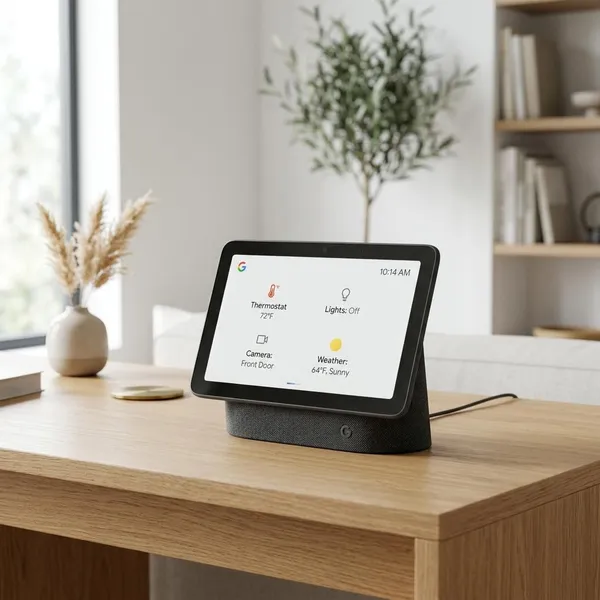
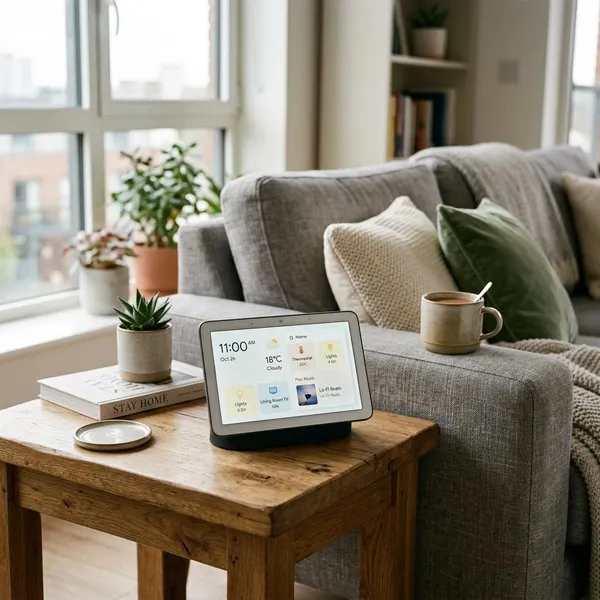
The Nest Hub 2nd Gen is built for places where a tablet would feel slightly too big or too needy. It sits well on a kitchen counter, a bedside table, a shelf, or a small desk, and it looks more like a home accessory than a loose screen waiting to be charged.
Compact 7-inch screen fits small spaces
The 7-inch screen is the main reason this model still makes sense. In a small kitchen, it can live beside a coffee machine or chopping board without taking over the counter. On a nightstand, it gives you alarms, music, weather, and smart home controls without feeling like a second tablet next to your bed.
The tradeoff is distance. From across a room, text and video details can feel small. If you want a display for shared viewing in a living room, a larger smart display or tablet will be easier to live with.
Ambient EQ keeps the screen easy to view
Ambient EQ is one of the quiet features that matters more than it sounds. The screen adjusts brightness and color tone to match the room, so it is less harsh at night and less awkward during the day.
- Bedroom use: it can dim enough to avoid feeling like a bright phone screen beside you.
- Kitchen use: it stays readable for timers, recipe steps, and quick answers in normal indoor light.
- Photo frame mode: pictures look more natural because the screen is not always pushing maximum brightness.
The display resolution is not impressive by tablet standards, but for glanceable use, comfort matters more than sharpness.
Touch controls work well for quick tasks
Touch control is fine for simple actions: tapping a timer, changing volume, swiping through cards, or adjusting a smart light. It becomes less satisfying when you try to browse deeply through menus or use it like an iPad.
The better habit is to start with voice and use touch only for small follow-up actions. Ask Google for the recipe, music, camera, or routine first; then tap when you need to pause, skip, or adjust something. That keeps the device in its strongest role.
Audio and media
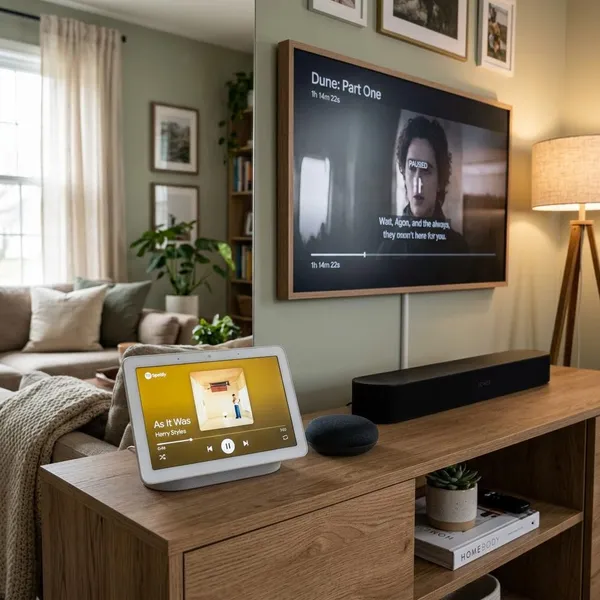
The Nest Hub 2nd Gen is useful for media, but only if you judge it as a helper screen. It is good for music while cooking, podcasts beside the bed, YouTube clips, recipe videos, and quick visual answers. It is not meant to replace a TV, a proper speaker system, or a tablet you use for long viewing sessions.
Speaker works well for casual listening
The speaker is good enough for everyday listening in a kitchen, bedroom, or small office. Voices are clear, timers are easy to hear, and background music has enough body for casual use.
Do not buy it expecting room-filling audio or detailed stereo separation. If music quality is your top priority, a dedicated speaker is still the better purchase. If you mainly want alarms, podcasts, Assistant replies, and playlists while doing something else, the Nest Hub is practical.
Screen suits recipes and short videos
This is where the Nest Hub feels most natural. A recipe on a fixed screen is easier than propping up a phone, unlocking a tablet, or touching a device with messy hands. Voice commands also help when you need to move to the next step or set another timer.
Short YouTube videos, quick tutorials, weather updates, and visual answers all fit the screen well. A useful rule is this: if you only need to glance for a few minutes at a time, the Nest Hub works; if you plan to watch an entire show, choose something bigger.
Small display limits longer viewing
The small screen is the wrong tool for regular movies, long YouTube sessions, or reading a lot of text. It can do some of those things, but the experience feels cramped compared with a Fire tablet, iPad, Nest Hub Max, or TV.
| Use case | Better choice | Why |
|---|---|---|
| Recipe steps and timers | Nest Hub 2nd Gen | Always plugged in, voice-friendly, easy to glance at |
| Long videos or movies | Tablet or larger display | Bigger screen and better viewing comfort |
| Background music and podcasts | Nest Hub 2nd Gen | Good enough sound with useful visual controls |
| Premium music listening | Dedicated speaker | Better depth, volume, and stereo performance |
Smart home features
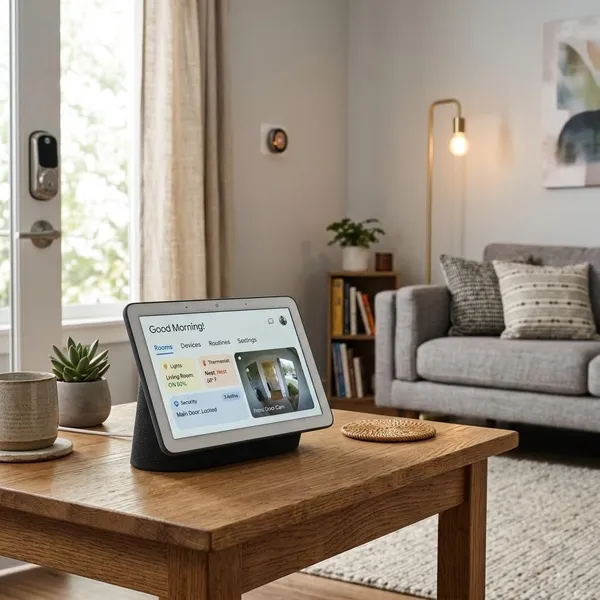
Smart home control is the strongest reason to choose the Nest Hub 2nd Gen over a cheap tablet. It gives you a fixed place to control lights, plugs, speakers, cameras, thermostats, and routines without opening your phone every time.
The first thing to check is whether your home already leans toward Google Home. If your devices and services are mostly in Apple Home or Alexa, the Nest Hub may still work for some tasks, but it will not feel as seamless.
Google Home keeps controls in one place
The Google Home dashboard is not a power-user control panel, and that is mostly fine. Its value is speed: turn off lights, check a camera, start music, adjust a thermostat, or run a routine from one familiar place.
It helps most with repeated actions. A hallway light you change twice a day, a bedtime routine you use every night, or a kitchen speaker group you start every morning will make the Nest Hub feel useful quickly. Random features you set up once and forget will not matter nearly as much.
Matter expands device compatibility
Matter support helps the Nest Hub stay relevant because more smart home products are being built around that standard. It can reduce ecosystem lock-in when you add compatible lights, plugs, sensors, or other devices over time.
It is still worth being cautious before buying accessories. Look for Matter support on the actual product listing, not just the brand name, because compatibility can vary by model and generation.
Thread supports compatible smart devices
Thread is less visible than Matter, but it can matter in homes with compatible low-power devices. The Nest Hub 2nd Gen can help support a Thread network, which may improve reliability for accessories that use it.
For a beginner with two smart bulbs, Thread is not a reason to overthink the purchase. For someone slowly building a smarter home with sensors, plugs, locks, and lights, it is a useful future-proofing point.
Voice and touch handle daily controls
Voice is the fastest way to use the Nest Hub for most daily actions, while touch is better when you want to stay quiet or make a small adjustment. That combination is why it works well in shared spaces.
- Use voice for: timers, music, routines, weather, camera views, and turning groups of lights on or off.
- Use touch for: volume, dismissing alarms, changing smart light brightness, and quick media controls.
- Avoid relying on touch for: deep browsing, complex settings, or anything that feels like tablet work.
Sleep Sensing and bedside use
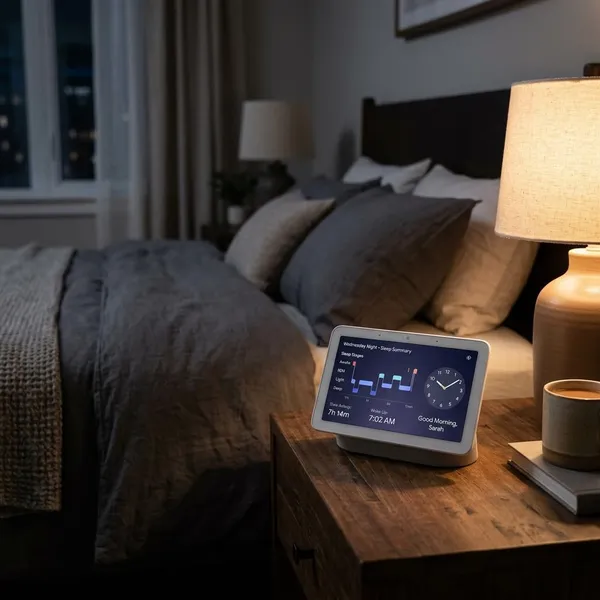
The Nest Hub 2nd Gen has a stronger bedroom case than many smart displays because it has no camera. That one design choice changes how comfortable it feels on a nightstand, especially if you want alarms, music, smart lights, and sleep tracking without placing a lens in the room.
It is best for people who sleep in one regular spot and want passive insights. If you travel often, switch beds, or already wear a smartwatch overnight, Sleep Sensing may be less important.
Soli tracks movement without a camera
Google's Soli sensor uses radar-based motion detection rather than a camera. That allows the device to support features such as Sleep Sensing and Quick Gestures while keeping the front of the display camera-free.
This does not make it a privacy-free device; it still has microphones and depends on Google services. But for many people, no camera is the deciding factor that makes bedroom placement acceptable.
Sleep Sensing adds overnight insights
Sleep Sensing can estimate sleep patterns using movement and nearby environmental signals. Treat it as a trend tool, not a medical device. It may help you notice rough changes in sleep timing or restlessness, but it should not be used to diagnose health issues.
Placement is the practical check that matters most. The Hub needs to sit near the bed in the right position, and it works best when your sleep setup is consistent. If you share a bed, move rooms often, or want all-day health tracking, a wearable may give you a more flexible picture.
Quick Gestures allow touch-free control
Quick Gestures are small but useful. Waving or moving your hand to pause media, dismiss an alarm, or stop a response can be easier than tapping the screen when you are half asleep or cooking with wet hands.
They are not a full gesture-control system, so do not buy the device for this feature alone. Think of it as one of those minor conveniences that makes the Nest Hub nicer to live with after the novelty has worn off.
Who should skip the Nest Hub 2nd Gen
The Nest Hub 2nd Gen is a good fit only when its limits match your expectations. Before buying, decide which job matters most: smart home control, bedside convenience, kitchen help, entertainment, video calling, or tablet-style apps. The wrong priority leads to the wrong purchase.
People who need video calling
Skip this model if video calling is important. The Nest Hub 2nd Gen has no built-in camera, so it cannot work like a standard face-to-face calling display.
That is a benefit for privacy but a drawback for families who want easy kitchen calls, visual check-ins, or a more social shared screen. In that case, the Nest Hub Max or another camera-equipped smart display is the more sensible comparison.
Buyers who want a larger screen
If you already think 7 inches sounds small, trust that instinct. The compact size is excellent for counters and nightstands, but it is not ideal for reading from a distance or watching longer videos.
A larger smart display makes more sense in a living room, open kitchen, or family space where several people may look at the screen at once. The smaller Nest Hub is better when one nearby person is using it for quick tasks.
Users who want full tablet apps
The Nest Hub cannot replace an iPad, Android tablet, or Fire tablet. It does not offer the same app freedom, browsing comfort, portability, accessories, or direct touch speed.
- Choose a tablet if you want email, web browsing, games, notes, streaming apps, or portable use.
- Choose the Nest Hub if you want an always-on home screen for voice control, timers, photos, routines, and light media.
The happiest buyers are usually the ones who do not try to make it do tablet work.
Conclusion
The Google Nest Hub 2nd Gen still makes sense if you want a compact, camera-free smart display that quietly helps with daily routines, light media, smart home control, and bedside use. Check three things before buying: whether you use Google Home, whether the 7-inch screen is enough, and whether you are comfortable with its limited app and calling features. If those answers line up, it remains a practical buy, especially at a discount; if not, a tablet, Nest Hub Max, or another smart display will suit you better.