
If you are thinking about buying a google nest hub max, the first thing to check is not the screen size or speaker power, but whether it still fits your home today. It is most useful as a shared kitchen or living-room display for smart home control, photos, music, recipes, and video calls. It is less convincing if you dislike cameras in common spaces, only want a simple voice speaker, or cannot find it new at a sensible price.
What is the Google Nest Hub Max?
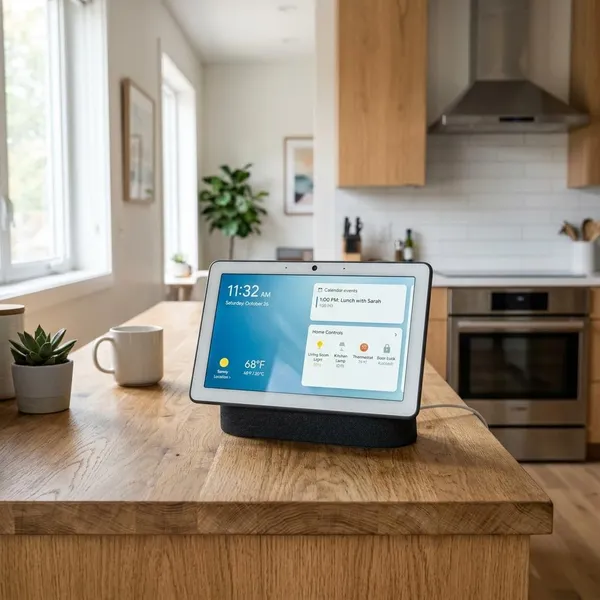
The Google Nest Hub Max is Google's larger smart display, built around a 10-inch touchscreen, Google Assistant, speakers, and a camera. It works best when it sits somewhere people naturally pass by, such as a kitchen counter, breakfast area, or family room shelf.
A 10-inch Google smart display
The 10-inch screen is the main reason to choose the Max over a smaller Nest Hub. Recipe steps, timers, calendar cards, weather, and camera feeds are easier to read from across a room, which matters more in daily use than having tablet-level sharpness.
A touchscreen smart home controller
It can act as a visual control panel for compatible smart home devices, including lights, plugs, thermostats, cameras, and routines set up through Google Home. This is useful in households where not everyone remembers voice commands or wants to use an app for every small change.
- Good fit: you already have several Google Home-compatible devices.
- Weaker fit: you only own one smart bulb or rarely adjust devices manually.
- Common mistake: buying it as a "smart home hub" before checking whether your existing devices actually work well with Google Home.
A speaker for music and video
The built-in speaker system is strong enough for casual music, podcasts, radio, and kitchen video watching. It will not replace a proper soundbar or hi-fi setup, but for background listening while cooking or cleaning, it is one of the more practical parts of the device.
A video-calling device with a camera
The camera makes the Nest Hub Max more useful for family calls than a smaller camera-free display. A typical example is a parent cooking dinner while talking to relatives, with the display staying on the counter instead of someone holding a phone for twenty minutes.
A digital photo frame
When idle, it can show selected Google Photos albums, which helps the device feel less like a gadget waiting for a command. For people already using Google Photos, this can become one of the features they notice every day rather than only during setup.
What are the Google Nest Hub Max specifications?
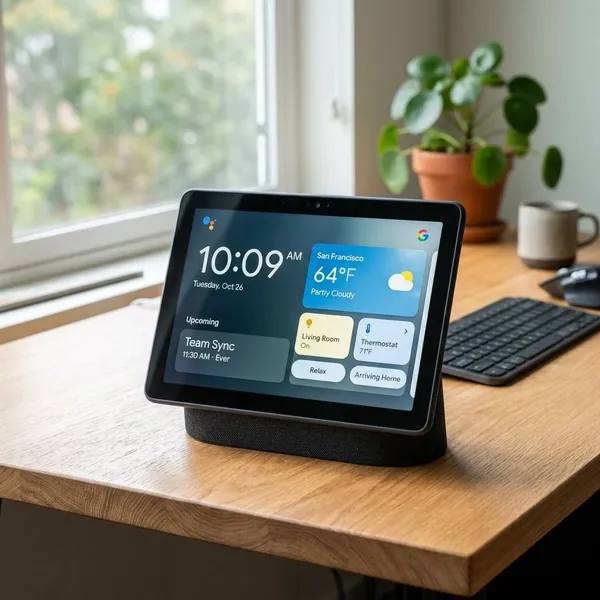
The specs are still good enough for the jobs a smart display is meant to do: show glanceable information, play casual media, handle calls, and control compatible devices. They should not be judged like a modern tablet, because the Nest Hub Max is not designed for apps, productivity, or close-up screen work.
10-inch 1280-by-800 touchscreen
The 10-inch 1280-by-800 touchscreen is not high-end by tablet standards, but it is clear enough for recipes, timers, photos, and basic video from a few feet away. The practical question is simple: will you glance at it from across a room? If yes, the larger size is a real advantage.
6.5-megapixel camera with auto-framing
The 6.5-megapixel camera supports auto-framing, so calls feel less stiff when people move around. It is helpful for casual family calls or quick room check-ins, but it should not be treated as a full replacement for a dedicated indoor security camera, especially if security recording and camera placement are your main priorities.
Two tweeters and one subwoofer
The speaker setup uses two tweeters and one subwoofer, giving it fuller sound than smaller smart displays. For a small apartment kitchen or open living area, it can often cover everyday music without needing a separate compact speaker.
Dual-band Wi-Fi and Bluetooth 5.0
Dual-band Wi-Fi matters because a smart display becomes annoying quickly if music, video, calls, or smart home controls lag. Bluetooth 5.0 adds some playback flexibility, but most people will get the best experience by keeping it on a strong Wi-Fi connection near the room where it is used most.
Chalk and Charcoal finishes
Chalk and Charcoal are the two main finishes, and this matters more than it sounds because the device is usually visible all day. Chalk tends to blend into lighter kitchens and shelves, while Charcoal often looks better near dark appliances, TVs, or modern furniture.
Physical camera and microphone switch
The rear hardware switch disables both the camera and microphones. That is reassuring when you want the sensors off quickly, but it is not the same as having separate camera and microphone controls.
- Best use: flip the switch when you want full privacy downtime.
- Limitation: you cannot use that switch to block only the camera while keeping voice commands active.
- Privacy note: there is no physical camera shutter covering the lens.
What can the Google Nest Hub Max do?
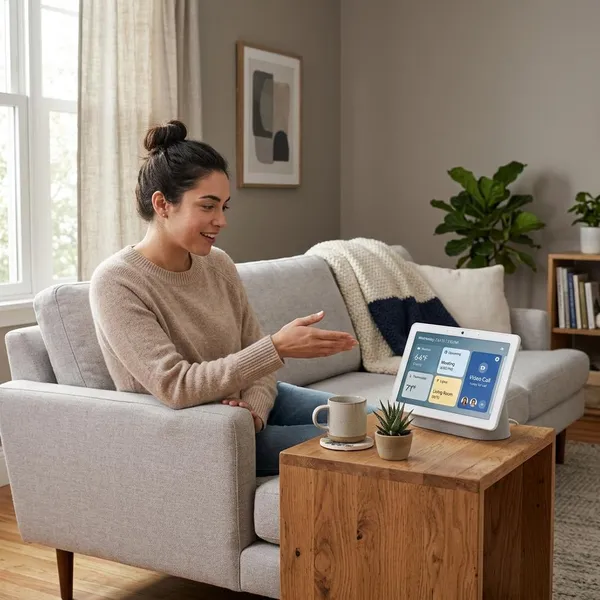
The Nest Hub Max is strongest as a shared household screen, not as a personal tablet replacement. Before buying, think through your normal day: if you would use it for timers, music, calendars, smart lights, photos, and quick calls, it has a clear role. If it would mostly sit unused except for occasional questions, a cheaper speaker or smaller display may be enough.
Control compatible smart home devices
You can control compatible devices by voice or touch, which is handy when a phone is not nearby. A good setup is a kitchen display that controls nearby lights, shows a doorbell camera, and starts a "dinner" routine without making guests or family members open an app.
Stream music and supported video services
It can stream music and supported video services, with availability depending on your region, subscriptions, and app support. It is best for short, practical viewing: a cooking video, a news clip, a playlist, or a show playing in the background while you do something else.
Make supported Google Meet calls
Supported Google Meet calls are one of the better reasons to choose the Max model over a camera-free display. The use case is casual and household-based: grandparents calling in, a partner checking in while dinner is being made, or several people gathering around one screen.
Show Google Photos
Google Photos support is simple but surprisingly valuable. Choose albums carefully, though; a shared display in a kitchen or living room is not the place for every photo in your account to appear automatically.
Display recipes, timers, and calendars
This is where the Nest Hub Max often feels most natural. You can keep a timer visible, follow recipe steps without touching your phone, and glance at the day's calendar while making coffee or packing lunches.
- Busy morning: weather, commute reminders, and calendar events are easy to scan.
- Cooking: timers and recipe steps stay visible while your hands are occupied.
- Shared household: everyone can see the same basic information without checking one person's phone.
Provide camera-based home monitoring
The built-in camera can provide basic home monitoring through Nest Cam features, including live viewing and some alert functions depending on your setup. Treat this as a useful extra for casual check-ins, not as the main reason to buy it if you need serious home security.
What privacy controls does the Nest Hub Max have?
The Nest Hub Max gives you several privacy controls, but it is not the right device for everyone. The most important decision is whether you are comfortable having a camera-equipped display in a shared room, because software settings cannot fully replace personal comfort.
A switch disables the camera and microphones
The physical switch on the back disables the camera and microphones together. It is the fastest privacy action and the one household members are most likely to understand without digging through settings.
Camera sensing can be turned off
Camera sensing can be turned off if you want the display and assistant features without extra camera-based behavior running in the background. This is a sensible setting to review during setup rather than months later.
Face Match can be removed
Face Match can be removed or disabled if personalized results are not worth the trade-off for your household. You can still use general features such as timers, music, photos, and many smart home controls without relying on facial recognition.
Voice and account activity can be reviewed
You can review and manage voice and account activity through your Google account controls. A practical approach is to check these settings right after setup, then revisit them occasionally if the device becomes part of your daily routine.
There is no physical camera shutter
The missing physical camera shutter is the privacy drawback that matters most. A hardware switch is useful, but a visible lens cover gives a different kind of reassurance. If that distinction matters to you, choose a camera-free smart display instead of trying to ignore the concern.
- Comfortable with Google services: use the switch, disable unused sensing features, and review account activity.
- Uncomfortable with indoor cameras: skip the Max model and choose a display without a camera.
- Buying used: factory reset the device and check privacy settings before linking your account.
Conclusion
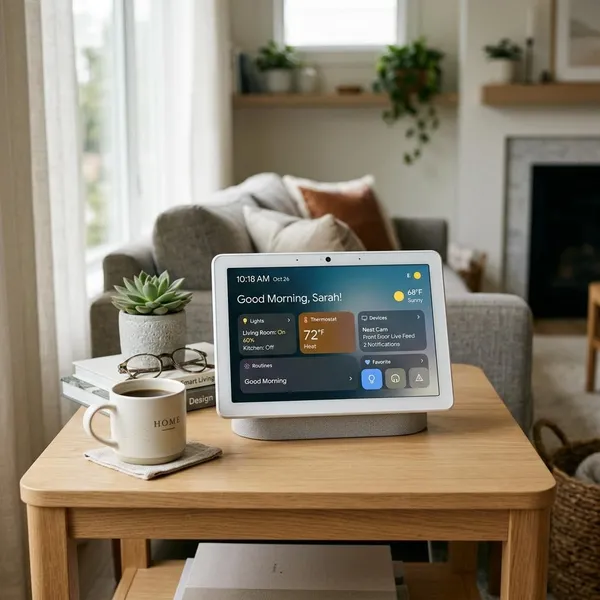
The Google Nest Hub Max is still a sensible buy when you want one visible household screen for Google Photos, music, recipes, video calls, and smart home control, especially in a kitchen or family room. Check current availability and price before deciding, because its value depends heavily on whether you can buy it new or discounted rather than overpaying for older hardware. If the camera makes you uneasy or you only need basic voice help, a smaller camera-free display is the cleaner choice.